

A UX designer spends on average 40% of their time generating repetitive wireframes, aligning components, and preparing visual assets. Not exactly the creative part of the job. In 2026, AI tools have truly changed this reality: not by replacing designers, but by taking over the mechanical parts of the workflow.
Key Takeaways Before You Read Further
Top 3 without hesitation: Figma Make for product teams, UXPilot for accelerated UX research, Adobe Firefly for agencies with legal constraints on generated images.
The AI promise in UX design for 2026: reduce time-to-prototype by 70% in the initial phases. The reality: it works, as long as you supervise the outputs and don’t pile up subscriptions.
Hype vs reality: The time-saving numbers (50-80%) are real for very specific tasks (generating 10 layout variants, producing a full user flow).
For strategic design, AI produces generic results.
- A junior designer who masters prompts sees a real 60% productivity boost during ideation phases.
- A senior designer mainly saves valuable mental bandwidth.

The 10 Best AI Tools for UX Design in 2026
1. Figma Make
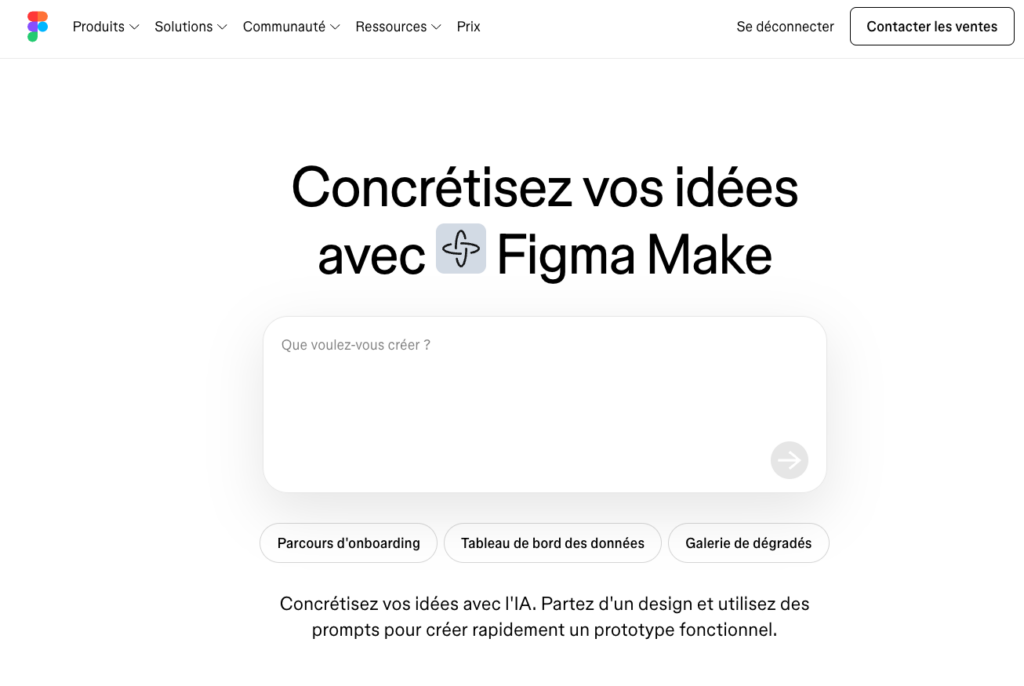
Best for: collaborative team prototyping. A prompt like “mobile login screen with interactive map” generates a complete flow in 15 minutes instead of 2 hours manually.
Think of it like a junior designer producing 100 wireframes a day: the volume is there, relevance depends on your brief.
Price: €12 to €45/month depending on team size. GDPR: EU servers available. Real limitation: output quality is directly linked to prompt quality, and subscriptions can quickly add up with third-party plugins.
2. UXPilot AI
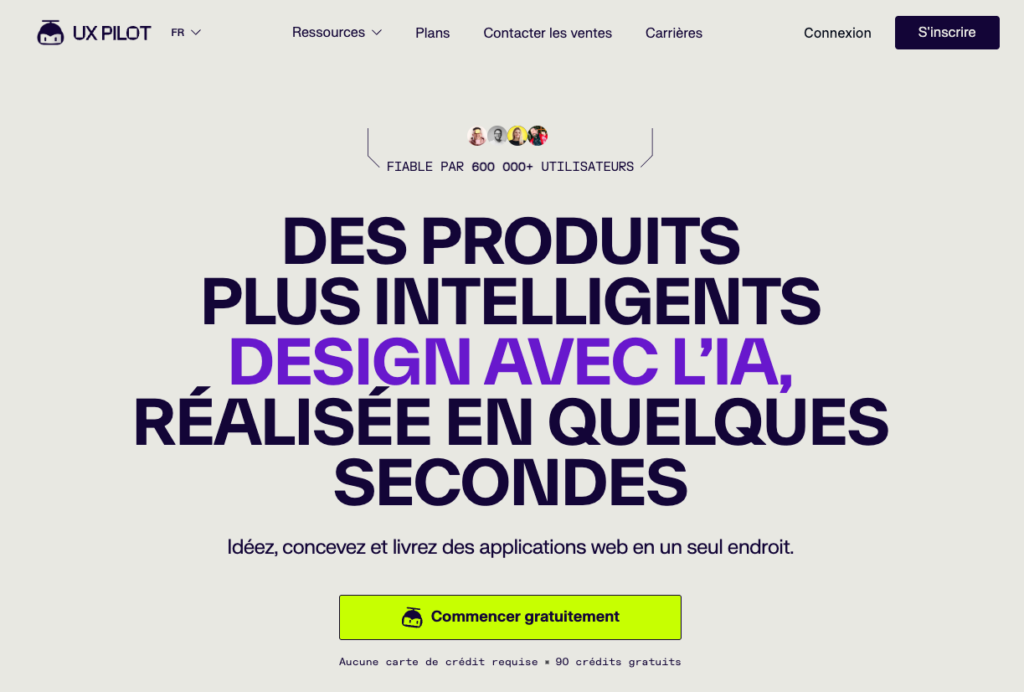
Best for: speeding up the UX research phase and generating annotated wireframes with usability insights. The Figma plugin lets you export directly as editable layers.
A French fintech startup used UXPilot to cut MVP development from 30 days to just 10 for an expense management app. Price: €29/month.
Field note: 4.5/5 for integrated product-design teams.
3. Uizard
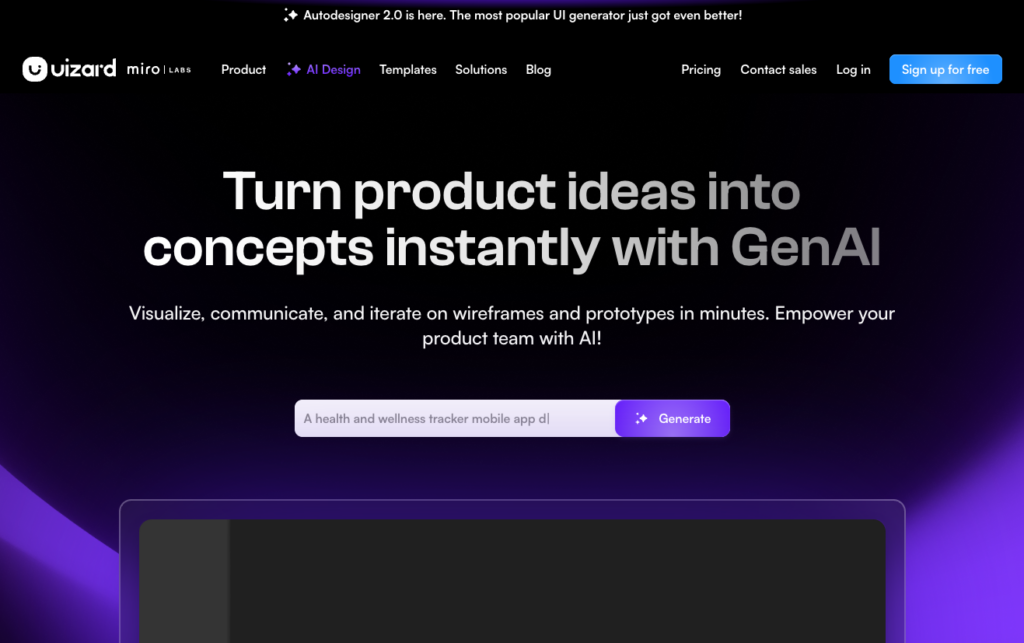
Best for: non-designers who need readable mockups quickly. The sketch-to-mockup feature transforms a photo of a paper sketch into an editable interface.
Great for PMs who want to iterate without waiting for a designer. Price: €12 to €49/month. GDPR limitation: partial compliance, especially if you handle sensitive data—this should be checked.
4. Flowstep
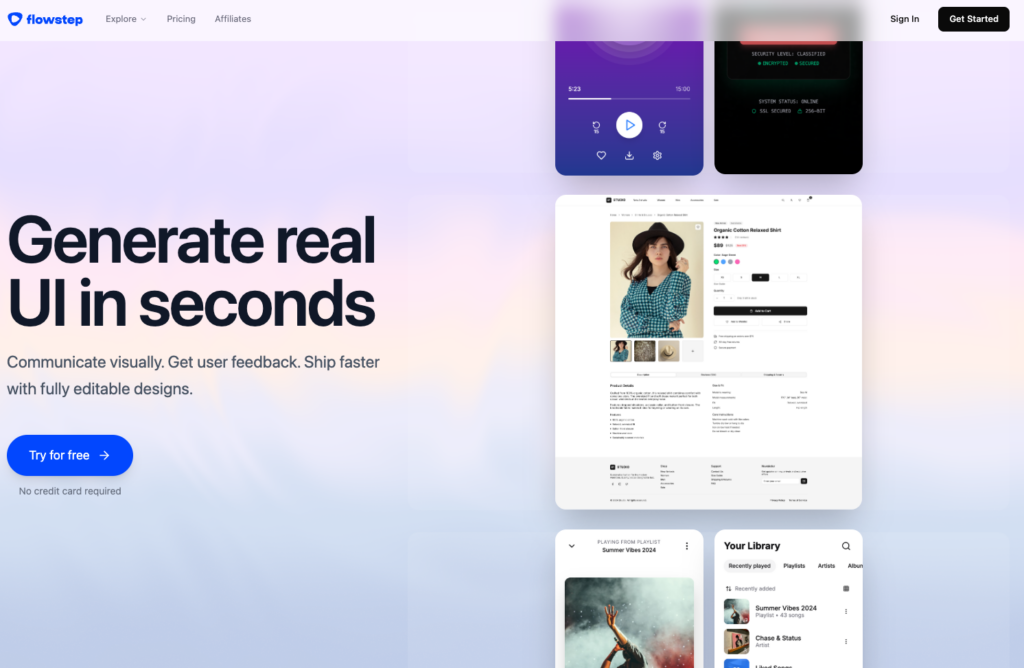
Best for: generating complete multi-screen flows from a single prompt.
For standard flows (onboarding, checkout, contact forms), time savings are up to 75%. Price: not published, contact for details. GDPR: should be audited before deployment in sensitive environments.
5. Adobe Firefly
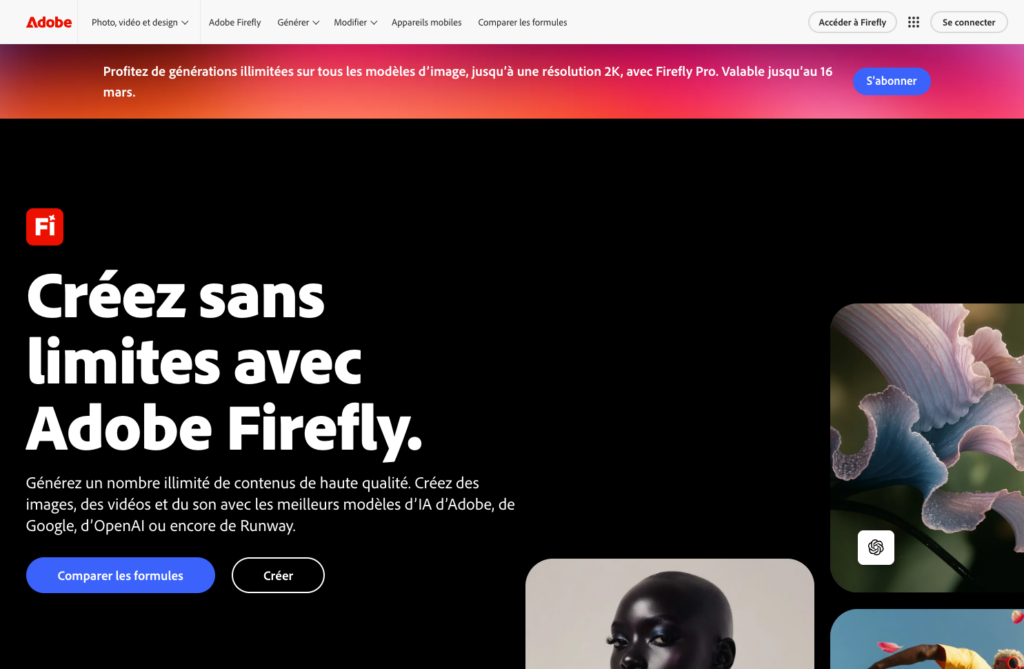
Best for: generating visual assets in commercial contexts. It’s the only tool on this list trained exclusively on licensed content, making it legally safe for client campaigns.
A commercially safe AI image generator is rare. A freelancer producing 10 mockups per day with Firefly never has to worry about image rights. Price: €24/month via Creative Cloud. AI Act compliance: yes.
6. Google Stitch
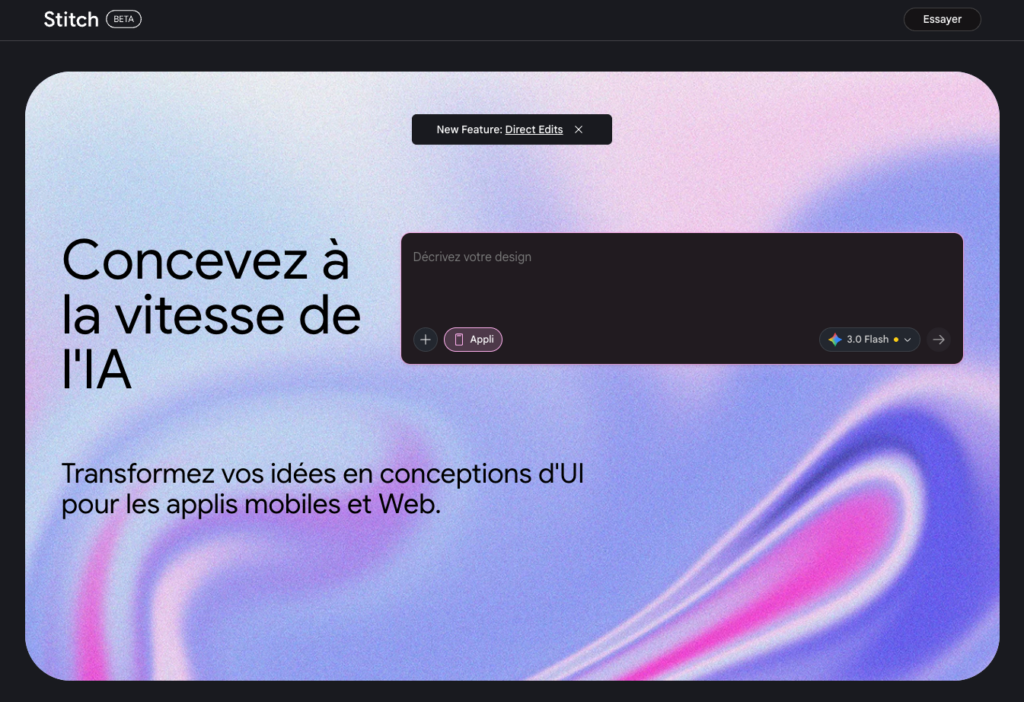
Best for: designing cross-platform interfaces that comply with Material Design guidelines. Integrated with Google Workspace, making adoption easy for enterprises.
Estimated total time savings of 55% on multi-device projects. Price: Included in Google Workspace depending on plan.
7. V0 by Vercel
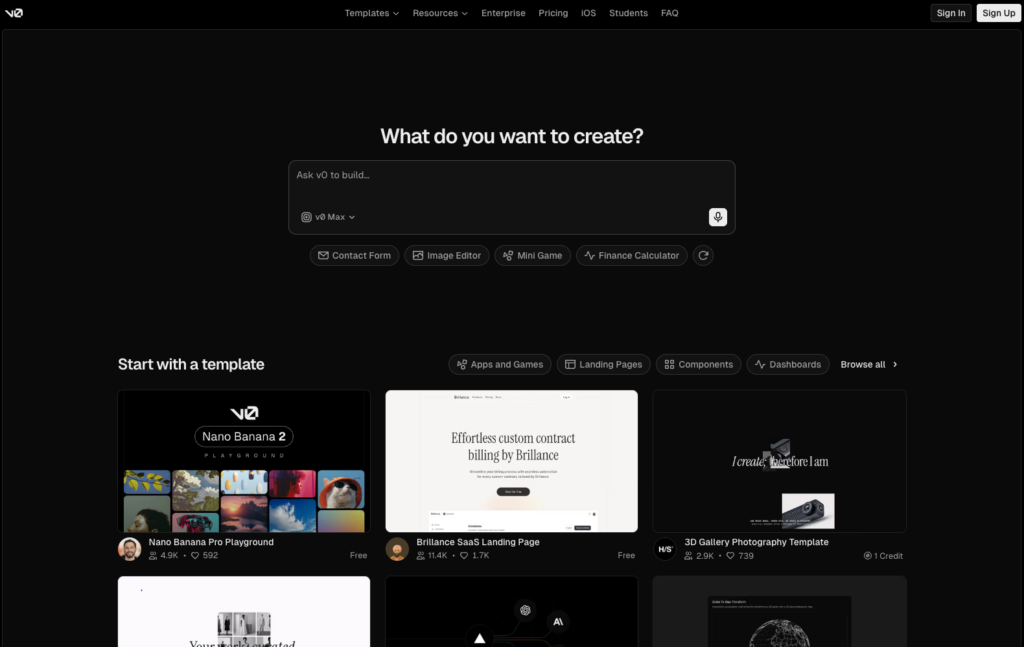
Best for: design-to-development handoff. V0 generates React/Tailwind code directly from a text description of an interface.
Dev handoff time savings reach up to 80% based on Vercel benchmarks. It’s freemium, making it easy to test without commitment. Limit: The output is code-focused, not on design systems. Intended for teams with a frontend developer on board.
8. Framer
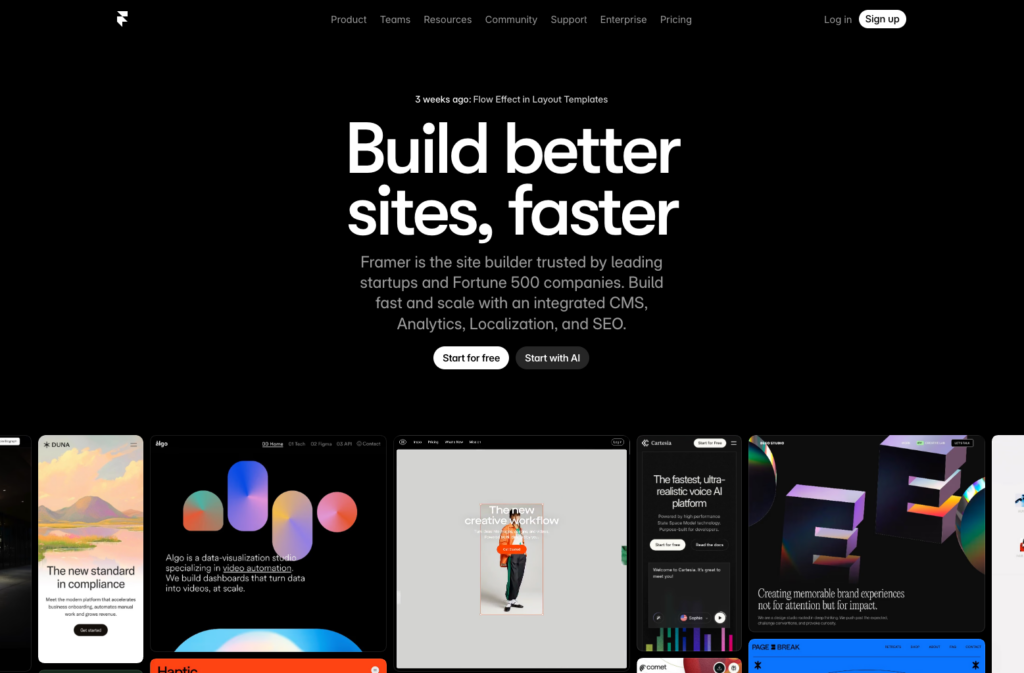
Best for: interactive prototypes with advanced animations. A French web agency delivered a Webflow site to a client in 2 days using Relume for structure and Framer for interactions.
Animation workflow time savings are around 40% compared to the typical After Effects + Webflow workflow. Price: €15 to €40/month.
9. UXPin
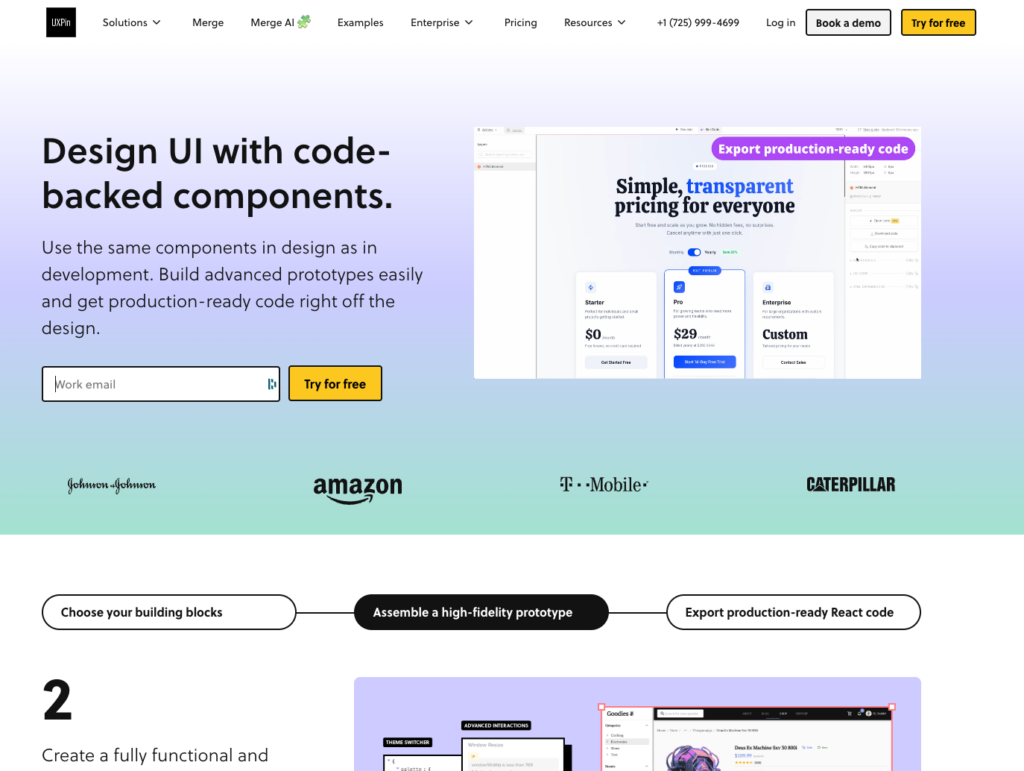
Best for: prototypes based on real code, directly integrable into an existing design system.
Especially suitable for large product teams wanting a functional prototype that real users can test—without developer involvement. Price: on request (enterprise use). GDPR: compliant.
10. Penpot
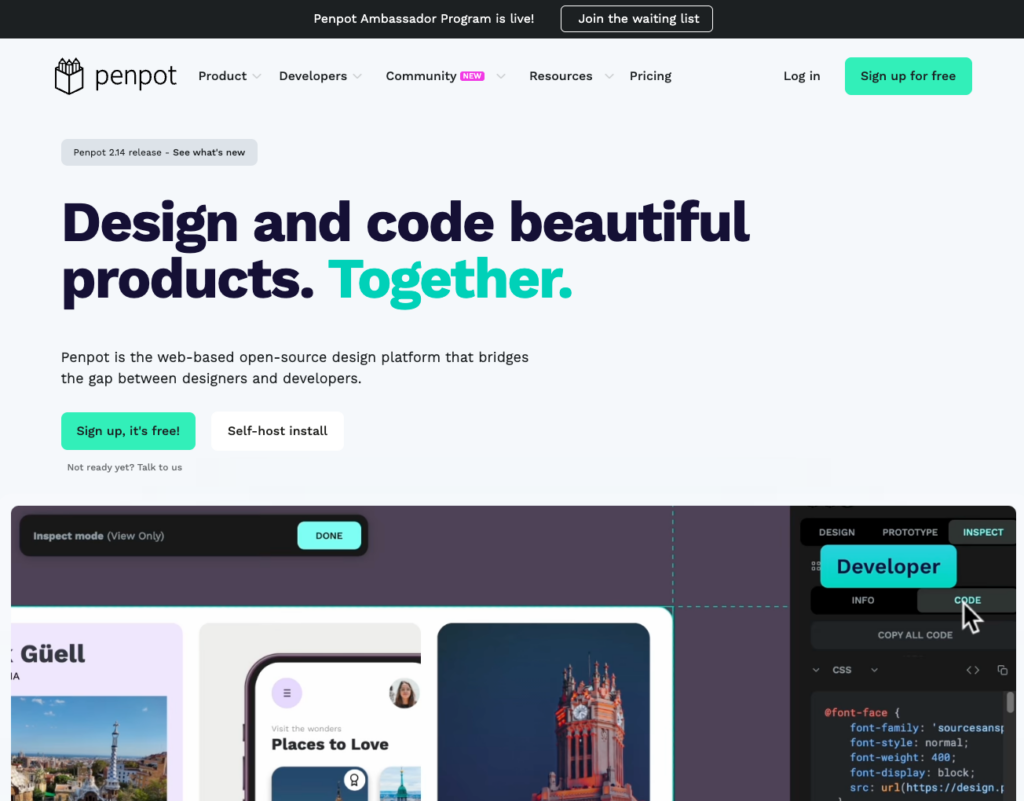
Best for: teams or organizations that need total data sovereignty. Open-source, self-hostable, and compatible with the strictest GDPR requirements.
Time savings are modest (30%) compared to other tools, but the cost is zero and control is absolute.
For local governments, public institutions, or agencies working with sensitive public data, it’s often the only viable option.
Combining Penpot with Mistral AI locally enables prompt engineering with zero data leakage.
Compact Comparison Table
| Tool | Best for | Time saved | Price/month | GDPR | Rating |
|---|---|---|---|---|---|
| Figma Make | Team prototyping | 70% | €12-45 | Yes (EU) | 5/5 |
| UXPilot AI | Research + wireframes | 65% | €29 | Yes | 4.5/5 |
| Uizard | Non-designers | 60% | €12-49 | Partial | 4/5 |
| Flowstep | Multi-screen flows | 75% | n/a | To check | 4/5 |
| Adobe Firefly | Commercial assets | 50% | €24+ | Yes (AI Act) | 4.5/5 |
| Google Stitch | UI cross-platform | 55% | Incl. GW | Yes | 4/5 |
| V0 by Vercel | Dev handoff | 80% | Freemium | Yes | 4.5/5 |
| Framer | Advanced animations | 40% | €15-40 | Yes | 4/5 |
| UXPin | Code-based prototypes | 50% | On quote | Yes | 4/5 |
| Penpot | Data sovereignty | 30% | Free | 100% | 4/5 |
Which Stack for Your Profile

Freelancer: Figma Make (€12/month) + Adobe Firefly (€24). Total budget: €36/month. With a daily rate of €400, saving 3 hours a week easily covers the monthly cost in less than a month.
Product startup: Figma Make + UXPilot AI (plugin included) + V0 for dev handoff. Total stack under €80/month for a 3-person team. A fintech startup can honestly expect to save a full month of development on their first MVP.
French web agency: Figma Make + Firefly for client assets + Framer for interactions. Check GDPR compliance for each project. For public or healthcare clients, take a serious look at Penpot. If you work with Webflow and Relume, check out our full analysis of Relume: 10,000 components available, structured site delivered in 2 days.
Junior designer: Start with UXPilot (€29) and practice your prompts. The 60% productivity gain doesn’t come from the tool alone—it comes from your ability to brief the AI properly. This is the stand-out skill in 2026.
Public organization or IT service company with strict constraints: Self-hosted Penpot + Mistral locally. Zero license cost, zero external data. Ramp-up is slower, but it’s the only option that passes every GDPR audit without exception.
FAQ
Does Figma Make replace a senior UX designer?
No. Figma Make accelerates production of wireframes and standard flows. For complex design decisions (information architecture, multi-channel user journeys, accessibility), a senior designer is still essential. AI generates the volume, but a designer delivers the judgment.
Which tools are GDPR compliant for a French agency?
Adobe Firefly, Figma Make (with EU servers enabled), UXPilot, Framer, and UXPin are compliant for most projects. For sensitive data (health, finance, public data), self-hosted Penpot is the only option guaranteeing complete data sovereignty.
Can you use several tools at once without blowing the budget?
Two or three tools are enough in 90% of cases. Figma Make handles prototyping, Firefly covers assets, UXPilot handles research. Beyond that, subscription costs stack up without proportional gain. Calculate ROI by comparing time saved to your daily or hourly rate.
Is V0 by Vercel useful for a designer with no coding skills?
V0 generates React/Tailwind code. If you don’t have a frontend developer to receive and adapt this output, the tool loses 80% of its value. It’s designed to streamline design-dev handoff, not replace development altogether.
How steep is the learning curve for these tools?
Uizard and Figma Make are up and running within a day for anyone already familiar with Figma. UXPin and V0 require one to two weeks, depending on your technical skills. Penpot needs server setup if you’re self-hosting, which can take several days for a team with no DevOps.
Are the time savings (50–80%) really achievable?
For very specific, repetitive tasks (generating 10 layout variants, producing a standard onboarding flow), yes. For a full project including user research, testing, and strategic iterations, expect around 30–40% global savings. The 70–80% claims apply to specific phases, not whole projects.
Is Penpot truly comparable to Figma?
For basic features (mockup design, components, export), yes. For 3rd party plugins, community ecosystem, and the smoothness of some interactions, Figma is still ahead. Penpot is improving quickly and its sovereignty advantage is a real trade-off for certain contexts.
Is the European AI Act impacting the use of these tools in 2026?
Yes, especially regarding transparency of training data and traceability of generated outputs. Adobe Firefly is furthest ahead here (content trained solely on licensed data). Other vendors are progressively releasing their compliance documentation. For high-risk projects, demand AI Act documentation from your provider.
How to choose between Framer and Figma Make for an interactive prototype?
Figma Make is great for flows and wireframes to share with non-technical stakeholders. Framer is ideal for prototypes with advanced animations and interactions aimed at real user testing. Both integrate well within an agency workflow.
Do you need prompt engineering skills to use these tools effectively?
Yes, absolutely. A vague prompt produces an unusable generic result. A precise prompt (“bank app home screen, subdued palette, main CTA for transfer, secondary for balance check, WCAG AA accessible”) gives you something directly usable. This skill can be developed with a few weeks of regular practice and is a real competitive advantage in 2026.
Related Articles

Reddit blocks AI scraping: what it means for LLMs and open source
On March 25, 2026, Reddit sent shockwaves through the AI community: the platform is shutting its doors to automated scrapers, requiring biometric verification for suspicious accounts, and removing 100,000 bot…

Claude Mythos: what the Capybara leak reveals about Anthropic’s next model
On March 26, 2026, two cybersecurity researchers stumbled across something Anthropic never meant to show: roughly 3,000 internal assets exposed publicly on the company’s blog, including draft posts revealing the…