
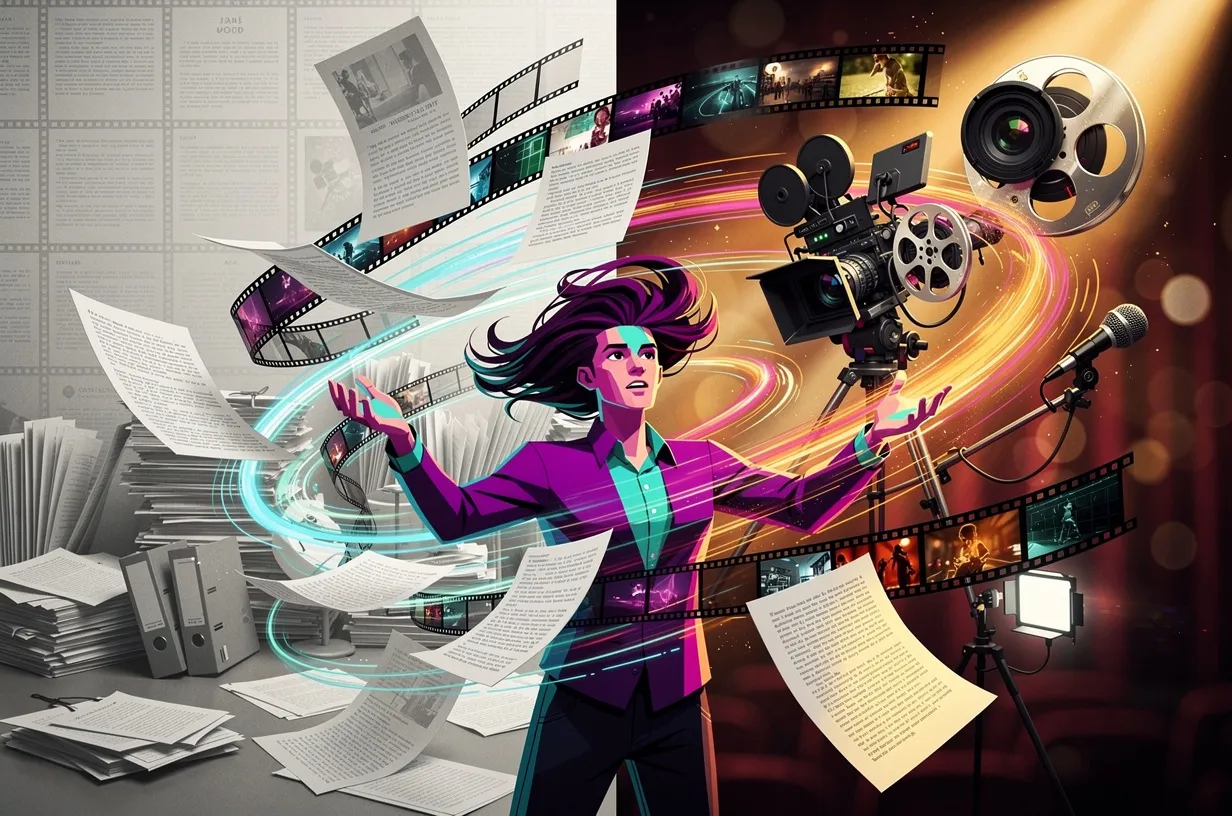
Google has just taken a new step in the evolution of NotebookLM. As of March 4, 2026, a new feature called Cinematic Video Overviews is available for Google AI Ultra subscribers. The principle is simple: upload a document, click a button, and get a video with smooth animations, narration, and AI-generated visuals.
What Are Cinematic Video Overviews?
To understand the significance of this new feature, it’s worth looking back at the evolution of NotebookLM over the past 18 months. The tool first introduced Audio Overviews: two synthetic voices debating the contents of your sources in a podcast-like format. Simple, useful, and free to access.
In July 2025, the Classic Video Overviews arrived: narrated slideshows, visually similar to an automated PowerPoint with voiceover. Functional, but lacking flair.
The Cinematic Video Overviews are the third generation. The analogy holds on three levels: Audio Overviews are like radio, the previous Video Overviews are like conference slideshows, and the cinematic version is a production studio.
Dynamic animations, motion graphics, generative visuals, structured narration—the result looks more like a well-produced YouTube video than a simple PowerPoint export.
An 80-page document can become a 5-minute usable video, no editing software, no designer, no production budget needed.
This is the scenario Google is highlighting. The reality in testing is a bit more nuanced, as we’ll see.
How It Works Under The Hood
The Gemini 3, Veo 3, and Nano Banana Pro Trio
Generating a cinematic video mobilizes three separate models, each with a specific role.
Gemini 3 serves as the artistic director. It analyzes the sources, identifies the key points, decides on the narrative structure, chooses the pacing and transitions. According to Google, it makes hundreds of editorial micro-decisions even before a single image is generated.
Veo 3 is the video generation engine. This is the model Google already deploys for autonomous video creation. In this context, it produces animated sequences, transitions, and moving visuals based on Gemini 3’s instructions.
If you’ve been following the evolution of Veo 2, you’ll appreciate the qualitative leap between versions.
Nano Banana Pro is the least documented model of the three. Google doesn’t communicate much about it. Based on available information, it’s dedicated to fine visual generation: ensuring graphical consistency between shots, typography, and layout elements.
Think of it as a director of photography who ensures visual consistency from start to finish.
What The AI Actually Does
The workflow for users consists of four steps.
- Upload your sources into NotebookLM: PDF, notes, articles, YouTube videos
- Click on “Cinematic Video Overview” from the web or mobile interface
- Add an optional prompt to set the style (“sleek corporate presentation”, “science documentary”, “educational video”)
- Start the generation and wait
What happens behind the scenes: Gemini 3 reads the entire notebook, extracts the argumentative structure, drafts a script, then orchestrates Veo 3 and Nano Banana Pro to produce the sequences.
Unlike a template-based tool, the generated video is supposed to be unique to each document.
In practice, tests show highly variable results depending on the nature of the source content.
How To Access The Feature
The access conditions are clear and quite restrictive. Cinematic Video Overviews is reserved for Google AI Ultra subscribers, the premium offer at $250 per month.
The feature is available on the web and mobile apps, for users aged 18 and over.
The generation limit is 20 videos per day. For heavy professional use, that’s sufficient. For testing the feature on a one-off project, the monthly fee remains a hard barrier to justify.
At $250/month, Google AI Ultra positions Cinematic Video Overviews as a professional tool, not a mass-market gadget.
Another important point: the feature is available in English only. There is no official date for other language support.
Based on NotebookLM’s previous deployment cycles (the mobile apps took several months to launch outside the US), expecting French support before the end of 2026 would be optimistic.
For French-speaking professionals who want to test it now, the only option is to write the sources and prompts in English.
This significantly limits its usefulness for content intended for a French-speaking audience.
What Kind Of Content Does It Shine With?
The first published tests share a few key findings.
Visually rich content yields the best results. A report on Japanese architecture, a travel guide, a scientific study with data—Gemini 3 has material to work with, and Veo 3 can generate visuals consistent with the content.
A consultant wanting to turn an 80-page report into a 5-minute video summary for a client: this is exactly the use case where the feature delivers.
The narrative structure is assured, the voiceover is smooth, and the visuals illustrate the points without major inaccuracies.
Instructors with well-organized class notes can get a usable educational video within minutes. Not perfect, but as a starting point before further editing in video software, the time savings are real.
On the other hand, content that is too abstract or non-narrative produces disappointing results. Tests show that plain fact lists, accounting data, or highly technical content without a narrative thread yield visually incoherent videos.
The AI tries to tell a story, and if the document doesn’t lend itself to that, it improvises in unconvincing ways.
In terms of video quality: Veo 3 is comparable to specialized tools like Luma AI or Runway Gen-3, with the advantage of being directly integrated into the document-processing workflow. However, these tools still offer more flexibility for pure video creation outside of document contexts.
Key Limitations To Know
The language barrier is the first concrete limitation. For French-speaking teams, working in English to produce content for a French-speaking audience means a double burden: translating the sources up front, then reworking the video afterward. The time savings quickly disappear.
Price is the second constraint. $250/month is around 230 euros. For an agency or marketing department that regularly produces video content, the math may work out: a 3-minute video produced by an agency costs between 1,000 and 5,000 euros.
If Cinematic Video Overviews lets you produce 10 such videos per month at acceptable quality, the return on investment is there.
For freelancers or small businesses with occasional video needs, the annual subscription surpasses $2,700 for a feature that won’t be used continuously.
Variable quality is the third limitation. Results depend heavily on how well sources are structured and the precision of the prompt. Without upfront work on the notebook, the generated video may be visually impressive yet narratively hollow.
Cinematic Video Overviews delivers convincing visuals, but narrative quality remains tied to the strength of the source content. The AI does not make up for a poorly structured document.
NotebookLM has been on an accelerated path of innovation since 2025, and this feature fits into that trajectory. But each new capability brings new access constraints.
Verdict For French-Speaking Professionals
The feature is technically impressive. The Gemini 3 / Veo 3 / Nano Banana Pro trio produces videos that clearly surpass the previous Video Overviews in terms of smoothness and visual quality. Positioning NotebookLM as a knowledge translation tool (document to video, podcast, summary) is both coherent and useful.
But for French-speaking professionals, two obstacles make early adoption difficult today.
The lack of French support is a dealbreaker for any direct professional use. Producing content in English just to rework it in French undermines any productivity gains promised.
The $250/month fee is justified for specific profiles: high-volume content creators, training teams producing educational video series, English-speaking consultants needing frequent visual summaries. For everyone else, the recommendation is to wait for a price drop or French support.
In the meantime, Audio Overviews remain free and work in French. They’re an excellent entry point to see what NotebookLM can do with your documents before investing in a premium subscription. Try NotebookLM for free on your own sources, and come back to Cinematic Video Overviews when multilingual support becomes available.
If you’re exploring AI-based automation tools more broadly, our guide on NotebookLM as an AI notebook provides a solid foundation for making the most of the tool overall.
FAQ
What’s the difference between Audio Overviews and Cinematic Video Overviews?
Audio Overviews generate an audio dialogue between two synthetic voices in podcast format. Cinematic Video Overviews generate a full video with animations, generative visuals, and narration. The former is free; the latter is reserved for the $250/month AI Ultra subscription.
Can you use Cinematic Video Overviews in French?
No. The feature is only available in English at launch. Google hasn’t shared an official timeline for other language support. An arrival before the end of 2026 remains uncertain.
How much does the Google AI Ultra subscription cost?
$250 per month. This is the subscription required for access to Cinematic Video Overviews, limited to 20 generations per day. There is currently no pay-per-use or free trial option for this specific feature.
What file types can be uploaded to NotebookLM?
NotebookLM supports PDF, Google Docs, web articles, YouTube videos (via URL), audio files, and text notes. The quality of the generated video depends directly on the richness and structure of these sources.
Is Veo 3 the same model as Google’s autonomous video generation engine?
Yes. Veo 3 is the video generation model from Google DeepMind, now integrated into the NotebookLM pipeline. In Cinematic Video Overviews, it works under the guidance of Gemini 3 rather than in a purely creative mode.
What is the typical length of a generated video?
Generated videos typically last between 3 and 7 minutes depending on the density of the source content. Google does not currently offer direct controls over video length.
Can you customize the video’s visual style?
Yes, via an optional prompt before generation. Instructions like “scientific documentary style” or “minimalist corporate presentation” guide Gemini 3’s choices. The level of control is still limited compared to dedicated video editing tools.
Can you export and edit the video after generation?
Google allows you to export the video for sharing on YouTube or embedding in a blog. Post-generation editing must be done in external software. NotebookLM does not offer an integrated video editor.
Does Cinematic Video Overviews replace tools like Luma AI or Runway?
For pure video creation, no. Luma AI and Runway offer much more creative control. Cinematic Video Overviews is designed for a specific use case: turning an existing document into an explanatory video with no friction. The two approaches are complementary.
What types of content yield the poorest results?
Raw data lists, highly abstract content with no narrative, and purely technical documents result in visually incoherent videos. The AI needs a narrative structure in the source document to generate a usable result.
Related Articles

Reddit blocks AI scraping: what it means for LLMs and open source
On March 25, 2026, Reddit sent shockwaves through the AI community: the platform is shutting its doors to automated scrapers, requiring biometric verification for suspicious accounts, and removing 100,000 bot…

Claude Mythos: what the Capybara leak reveals about Anthropic’s next model
On March 26, 2026, two cybersecurity researchers stumbled across something Anthropic never meant to show: roughly 3,000 internal assets exposed publicly on the company’s blog, including draft posts revealing the…