
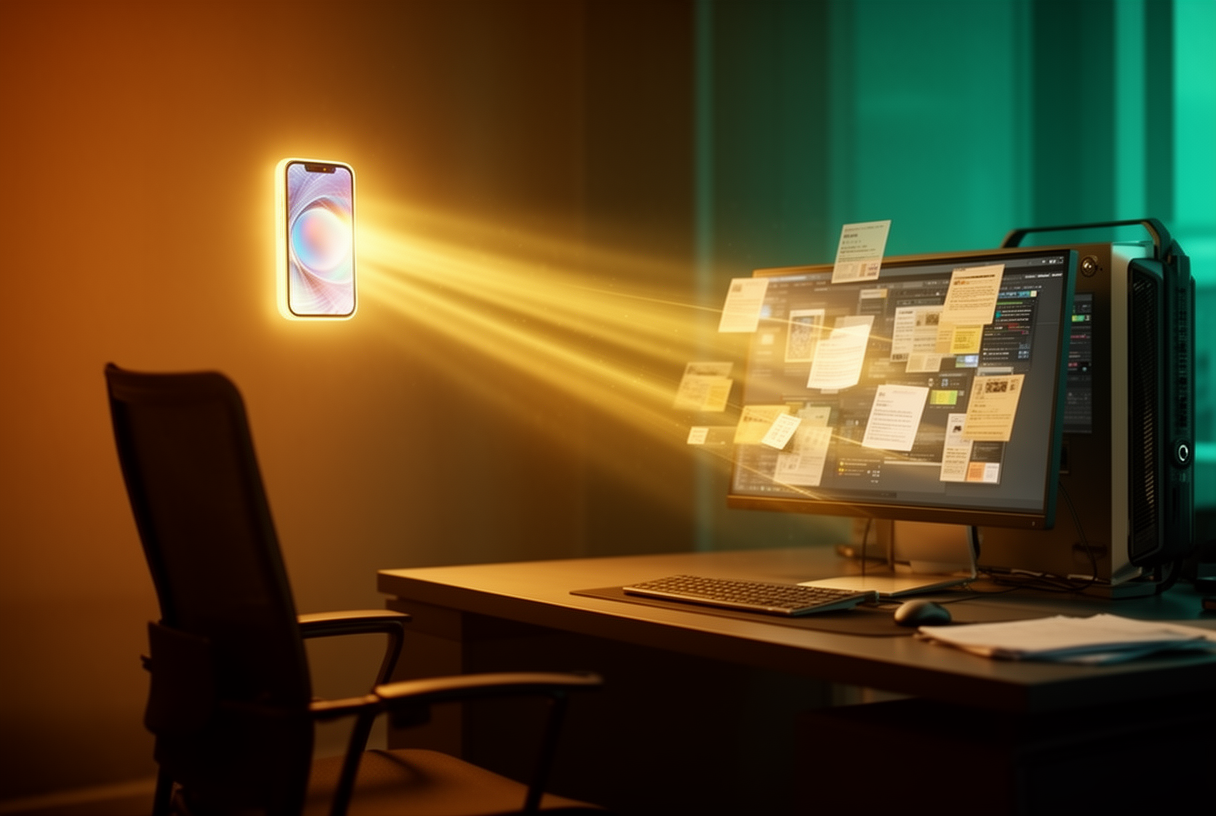
On March 17, 2026, Anthropic launched Claude Dispatch: a feature that controls Claude Cowork from your smartphone, via SMS, phone call, or email.
The next day, Dispatch claimed first place on Product Hunt.
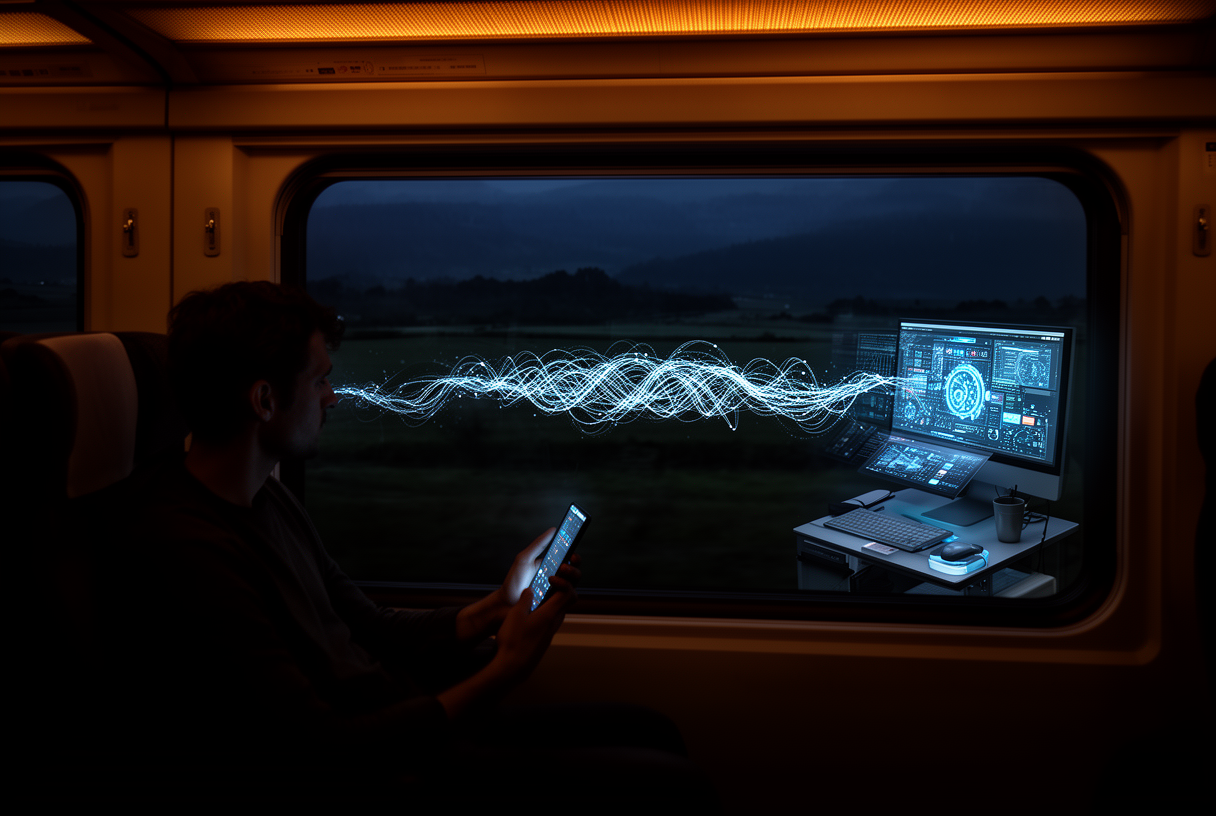
The promise: send a task from your phone while you’re in a meeting, on the train, or away from your desk, and come back to find the work done.
Here’s what Dispatch actually does, how to set it up in under two minutes, and most importantly, how it holds up in practice.
Key takeaways:
- Claude Dispatch turns your smartphone into a remote control for Claude Cowork, from anywhere
- Real-world success rate on complex tasks hovers around 50%: stick to simple, tested workflows
- Your computer must stay on with Claude Desktop open: Dispatch is not a standalone cloud agent
- Access starts with the Pro plan at $20/month, no additional technical setup required
- For developers, Claude Code Remote remains the right tool; Dispatch targets document and business workflows
Claude Dispatch: architecture and how it works
The concept: AI remote control
Felix Rieseberg, an engineer at Anthropic, summed up Dispatch simply: a persistent conversation running on your computer, to which you send instructions from your phone.
Think of it as a walkie-talkie to your desk: you speak from anywhere, and Claude executes on-site, with all your files and connectors.
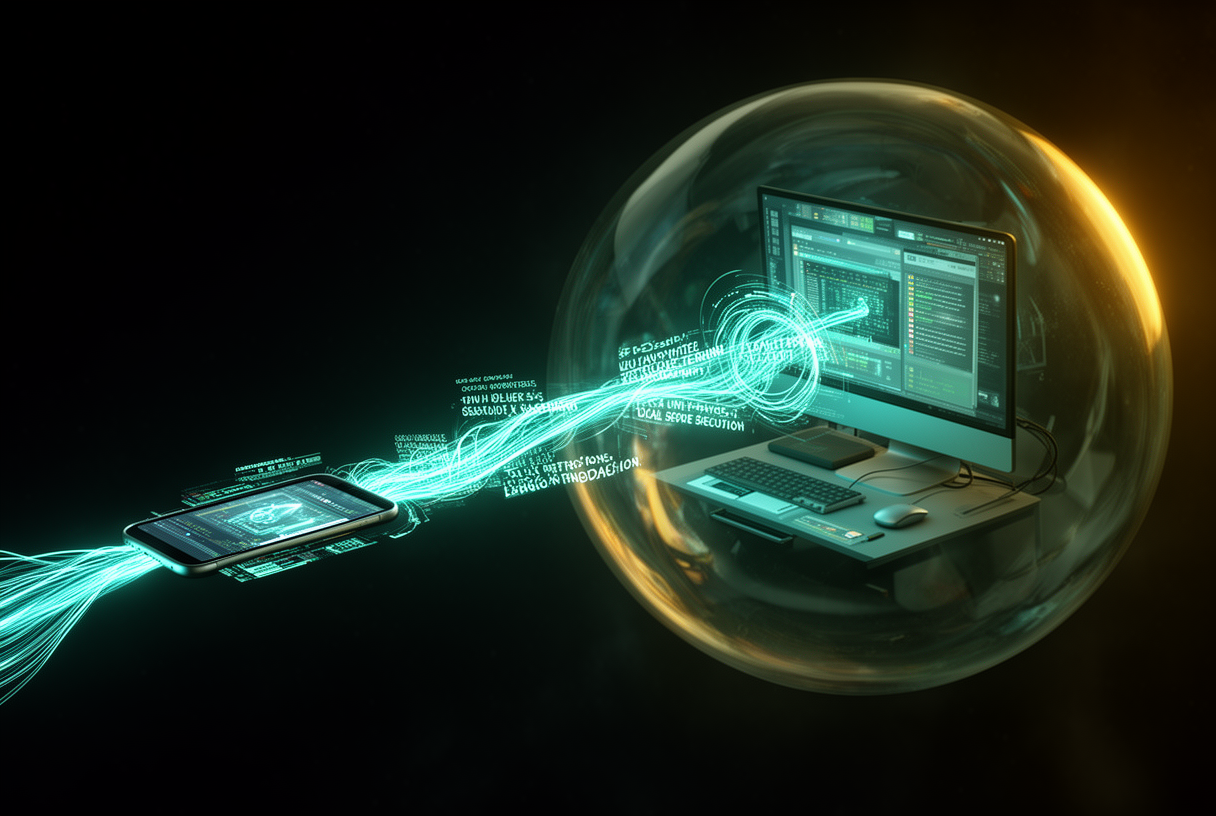
In practice, when you send “summarize my last ten unread emails and flag the urgent ones,” the instruction travels to your Cowork session on your Mac or PC.
Claude reads your emails through the locally configured Gmail connector, processes everything on your machine, and sends the result back to your phone.
Your files never pass through Anthropic’s servers: execution stays local, only the result is sent back to you.
Dispatch vs Cowork vs Code
Claude Cowork is your main desktop session: you interact directly and watch progress in real time.
Claude Dispatch is the remote interface for that same session: you delegate a task from your phone and retrieve the result later.
Claude Code Remote, on the other hand, is built for developers who want to monitor a terminal session from their phone: terminal syntax, SSH configuration, development environment.
Dispatch targets an entirely different use case: non-technical professionals managing files, emails, dashboards, and presentations.
The lawyer compiling case documents during a commute, the accountant generating a report from the waiting room, the project manager tracking KPIs from the train: that’s the user Dispatch is built for.
For anything involving code and development environments, our Claude Code commands guide remains the go-to reference.
How to set up Dispatch (step by step)
Prerequisites
You need three things: the latest version of Claude Desktop on your computer, the latest version of the Claude app on your phone, and a Pro ($20/month) or Max ($100/month) subscription.
If you’ve already set up connectors in Cowork (Gmail, Slack, GitHub…), they will be automatically available in Dispatch without any extra steps.
Linking via QR code
Open Claude Desktop, go to the Cowork section, then click the Dispatch option that appears in the interface.
A QR code appears on your screen.
On your phone, open the Claude app, navigate to the new Dispatch tab, and tap “Link with desktop.”
Scan the QR code: the connection is established in seconds.
The interface then asks you to confirm permissions: browser access, list of connectors to enable.
By default, all your existing connectors are enabled; you can restrict Dispatch’s access as you see fit to limit which integrations are available remotely.
First test
Once linked, send a simple task to verify the setup: “Summarize the latest PDF file in my Downloads folder.”
If Claude responds with a coherent summary, your setup is working.
The entire process, from opening Claude Desktop to a successful first test, takes under two minutes.
5 concrete workflows to try today
Email summarization
This is the most documented use case, and the most reliable.
Send from your phone: “Prioritize and summarize my last ten unread emails, flag the urgent ones, and categorize them into reply/forward/archive.”
Claude accesses your Gmail connector, processes locally, and sends back a structured list.
A more powerful variation: ask Claude to draft replies to the most important ones, organized by sender with copy-ready text.
File search and organization
Dispatch handles document organization tasks very well.
A documented example: “Find all PDFs downloaded this month, categorize them by content type, and move each into a named subfolder.”
Claude reads the folder structure, examines the files, creates subfolders, and moves the documents: all locally, while you’re somewhere else.
A task that would take 20-30 minutes of manual work comes down to a 15-word instruction sent from your phone.
Presentation preparation
A physician used Dispatch to prepare a 7-minute presentation on Lauge-Hansen classification: they sent “Build a presentation outline from the PowerPoints in my folder, structured for 7 minutes.”
Claude examined the existing files, identified key concepts, and generated a structured outline ready to use.
An even more powerful use case: “Merge all presentation files for this project into a single cohesive deck, removing duplicate slides.”
Project monitoring
With the right connectors set up (Linear, Jira, Asana, GitHub), Dispatch can generate automatic status reports.
Example: “Pull all tasks due this week in Linear, identify blockers, and generate a summary with priority actions.”
For technical leads: “Review all open pull requests, summarize each one, and flag those with conflicts or failing tests.”
Dispatch + MCP: the advanced combination
Dispatch inherits access to all MCP servers configured in Cowork.
With Gmail and Slack connected, you can send: “Search my Slack history for all messages mentioning ‘Q4 budget,’ summarize the key decisions, and post a recap to the #finance channel.”
Claude accesses Slack, reads the history, drafts the recap, and posts directly to the channel: all while you’re in a meeting.
The automation potential of Dispatch + MCP is practically unlimited: every new MCP server you configure is immediately accessible from your phone.
To understand how MCP servers work and which ones are worth setting up, our article on MCP servers and AI innovation covers the essentials.
Limits and things to watch out for
~50% reliability on complex tasks
This is the most important limitation to know before getting started.
User testing shows that complex tasks succeed in around 50% of cases.
Simple tasks with clear inputs (file summarization, basic folder organization) have a much higher success rate.
Workflows involving complex conditional logic, multiple calls to different connectors, or reasoning over ambiguous data fail more often.
Best practice: test your workflows in an interactive Cowork session first before delegating them to Dispatch.
Once a workflow has proven reliable in direct mode, delegating it to Dispatch makes sense.
Your computer must stay on
Dispatch is not a cloud agent: it’s a remote interface to your local machine.
If your computer goes to sleep, if Claude Desktop closes, or if your internet connection drops, Dispatch becomes immediately unavailable.
A long task interrupted by a network outage doesn’t resume where it left off: it fails entirely.
Anthropic has confirmed that the next natural evolution will be cloud execution that no longer depends on personal hardware, but that’s not available yet.
Security and end-to-end sandbox
On this front, Dispatch is solid.
Execution happens inside an OS-level sandbox: Seatbelt on macOS, bubblewrap on Linux.
Claude can only access authorized directories, and network connections go through a proxy that only allows approved domains.
Even in the event of a malicious prompt injection, the sandbox blocks all unauthorized access to your files or network.
For professionals with GDPR obligations: your data stays on your machine and never passes through Anthropic’s servers.
Dispatch trades permanent availability for total data privacy: a deliberate choice by Anthropic.
Dispatch vs OpenClaw
OpenClaw is a local AI execution platform designed to run continuously in the background, accessible via WhatsApp, Telegram, Slack, or Discord.
OpenClaw maintains persistent memory across sessions and runs recurring tasks on a schedule, without active input from the user.
Dispatch requires an explicit instruction each time; OpenClaw operates in “permanent assistant delegation” mode.
Key differences:
- Technical setup: Dispatch is configured in 90 seconds via QR code; OpenClaw requires CLI configuration
- Autonomy: OpenClaw runs recurring tasks without input; Dispatch requires an explicit instruction each time
- Target audience: OpenClaw suits technical profiles; Dispatch is accessible to everyone
- Interoperability: OpenClaw skills work in Cursor and Claude Code; Dispatch skills are currently platform-specific
For a non-technical professional who wants to delegate one-off tasks from their phone, Dispatch is clearly the more accessible choice.
For a developer who wants autonomous, recurring automation, OpenClaw offers a more powerful architecture.
Pricing and availability
Dispatch launched on March 17, 2026 in early access for Max subscribers only.
Access was quickly extended to Pro ($20/month) subscribers.
Max subscriptions come in two tiers: Max 5x at $100/month and Max 20x at $200/month, differentiated by monthly usage limits.
The free plan does not include Dispatch, like all advanced features (Cowork, Claude Code).
On message limits: the Pro plan allows roughly 45 messages per 5-hour session, while Max 5x goes up to 225 messages per session.
Each Dispatch task draws from your message quota: a simple task uses 2 to 5 messages, while a complex workflow can consume several dozen.
Our verdict
Claude Dispatch is a genuine step forward for professionals who work with Claude Cowork on a daily basis.
The 90-second setup via QR code, the solid concept, and the documented use cases are genuinely compelling.
But let’s be honest about the current limits: a 50% success rate on complex tasks, total dependence on a running computer, and a single thread with no parallelization.
Dispatch is ideal for tested, repeatable workflows: email summarization, file organization, report generation from known data.
For critical tasks where failure isn’t an option, wait for the reliability to improve.
The potential is clear and the roadmap is obvious: when cloud execution arrives, Dispatch will become a top-tier productivity tool.
In the meantime, it’s already useful enough to be worth trying: sign up for the Pro plan ($20/month), set up your Cowork connectors, and share your first successful workflow in the comments.
FAQ
What exactly is Claude Dispatch?
Claude Dispatch is an Anthropic feature that controls Claude Cowork remotely from a smartphone, by sending instructions via message, email, or phone call.
Execution happens locally on the user’s computer, not on Anthropic’s cloud servers.
Is Claude Dispatch available on Android?
Yes, Dispatch is available on both iOS and Android through the Claude mobile app, after updating to the version released on March 17, 2026.
Which Claude subscription do you need to use Dispatch?
A paid subscription is required: Pro ($20/month) or Max ($100/month or $200/month).
The free plan does not include Dispatch.
Does your computer need to stay on during execution?
Yes, this is a key constraint: the computer must be on, Claude Desktop must be open, and your internet connection must be maintained for tasks to run.
If the computer goes to sleep, the task fails.
Is my data safe with Dispatch?
Yes, execution happens inside a system sandbox (Seatbelt on macOS, bubblewrap on Linux).
Your files never leave your machine: only the results are sent back to your phone via an encrypted channel.
What is Dispatch’s real success rate?
For simple, well-defined tasks, the success rate is high.
For complex workflows with multiple steps and connectors, users report around 50% success.
The recommendation: test in an interactive Cowork session first before delegating to Dispatch.
Can Claude Dispatch replace Make.com or n8n automations?
No, the use cases are complementary: Dispatch is suited to one-off tasks delegated manually.
AI agents for workflow automation like Make.com or n8n are designed for recurring, conditional scenarios.
What’s the difference between Dispatch and OpenClaw?
OpenClaw runs continuously in the background, supports recurring scheduled tasks, and targets technical profiles.
Dispatch requires an explicit instruction each time, requires no code to configure, and targets non-technical professionals.
Can you use Dispatch with your MCP servers?
Yes, Dispatch automatically inherits all MCP servers configured in Claude Cowork.
Every active MCP server (Gmail, Slack, GitHub, Linear…) is accessible from your phone via Dispatch, with no additional setup.
Does Dispatch work on Windows and Linux?
Yes, Dispatch is compatible with macOS, Windows (via WSL2), and Linux.
The sandbox mechanism adapts its security tools to the OS: Seatbelt on macOS, bubblewrap on Linux and WSL2.
Related Articles

The 10 best AI voice assistants in 2026: complete comparison
Siri still can’t understand your question, Alexa responds with a three-second delay, and Bixby remains a running joke in the hallways of tech conferences. The generation of voice assistants taking…
Reddit blocks AI scraping: what it means for LLMs and open source
On March 25, 2026, Reddit sent shockwaves through the AI community: the platform is shutting its doors to automated scrapers, requiring biometric verification for suspicious accounts, and removing 100,000 bot…