
How does image upscaling work?
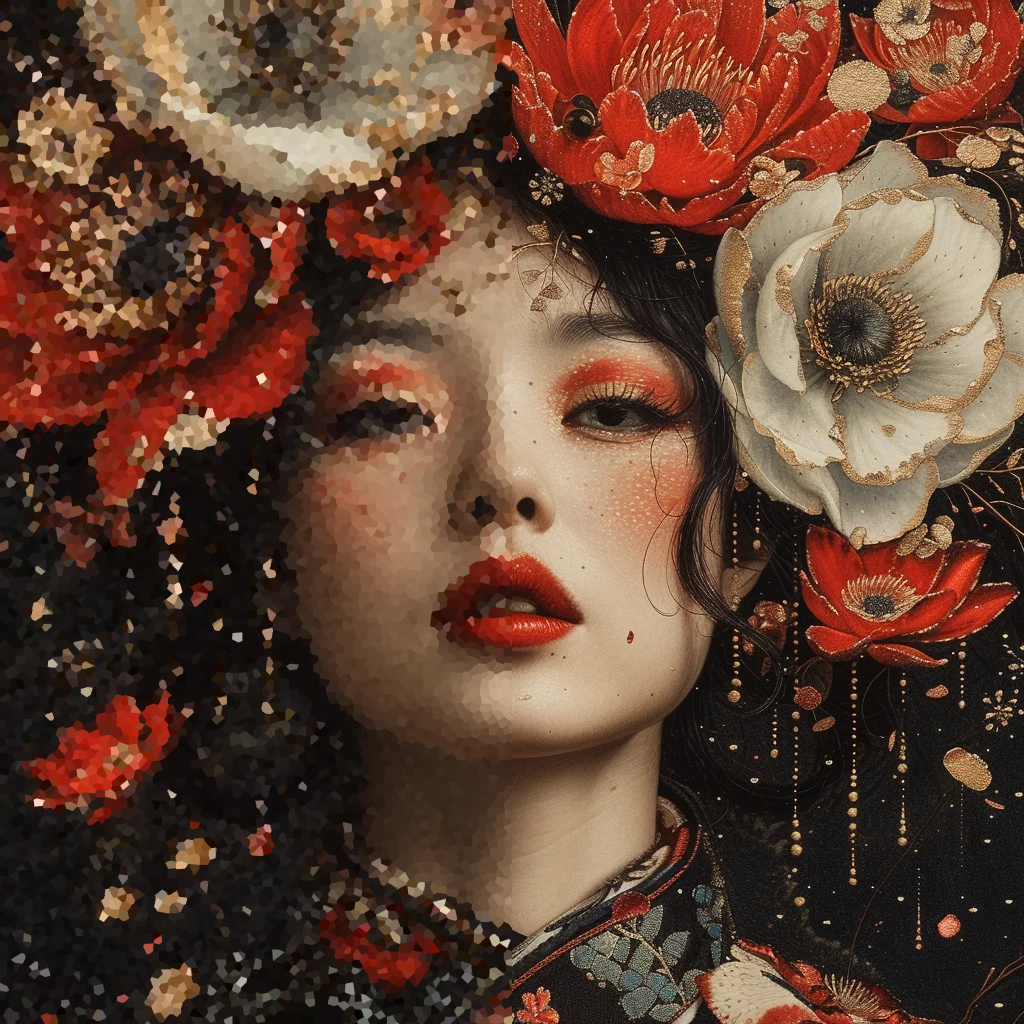
AI image upscaling goes far beyond simply adding more pixels. Modern algorithms reinterpret the original image to add realistic details that didn’t exist before, drawing on models trained on millions of high-resolution images. In 2026, this technology has reached an impressive level of maturity, enabling enlargements up to 16x without visible quality loss.
The applications are numerous: restoring old family photos, preparing images for large-format printing, enhancing e-commerce visuals, and even remastering video content in 4K or 8K. Photographers, graphic designers, and content creators use these tools daily to optimize their visuals without having to reshoot.
The Technology Behind Upscaling
AI upscaling tools rely on increasingly sophisticated architectures. Convolutional Neural Networks (CNNs) remain the foundation, but diffusion models and Generative Adversarial Networks (GANs) have revolutionized result quality. These architectures learn to recognize complex patterns — skin textures, architectural details, natural elements — to faithfully reproduce them during enlargement. To learn more about AI technologies applied to images, check out our guide on AI Image Generators: Exploring Key Principles.
In 2026, the latest advances include diffusion-based super-resolution models that produce even more natural details, and transformer architectures applied to imaging that better understand the global context of a photo for more coherent upscaling.
Requirements for a Good Upscale
Source Image Quality
Result quality depends directly on the source image. A sharp photo with good lighting will always produce better results than a blurry or heavily compressed image. AI algorithms can compensate for some defects, but they cannot invent details from nothing if the source is too degraded.
Starting Resolution
The higher the initial resolution, the better the upscaling result. A 1080p image enlarged to 4K will be far more convincing than a 480p image pushed to the same resolution. As a general rule, aim for an enlargement factor of 2x to 4x for optimal results.
Choosing the Right Tool
Each upscaling tool has its strengths: some excel at portraits and faces, while others perform better on landscapes or AI-generated images. In 2026, most tools offer multiple specialized AI models, so it’s important to test which one works best for your type of image.
Upscaling Parameters
Don’t systematically push the enlargement to the maximum. A 2x upscale with a good AI model will often be more convincing than an aggressive 8x. Also adjust sharpness and noise reduction settings based on the final use: print, web, or social media.
The 10 Best Free Online Upscalers
1. Aiarty Image Enhancer
Aiarty Image Enhancer is a 4-in-1 tool combining denoising, deblurring, enhancement, and AI upscaling. It supports enlargement up to 800% using three specialized AI models adapted to different image types. In 2026, Aiarty remains a benchmark for photo restoration and AI-generated image enhancement.
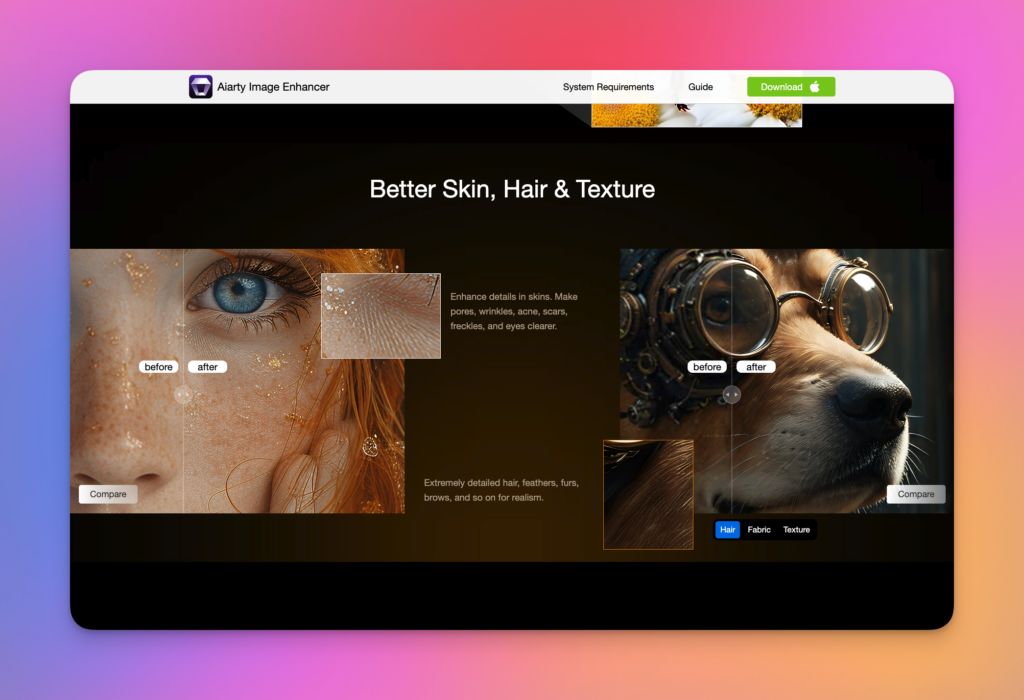
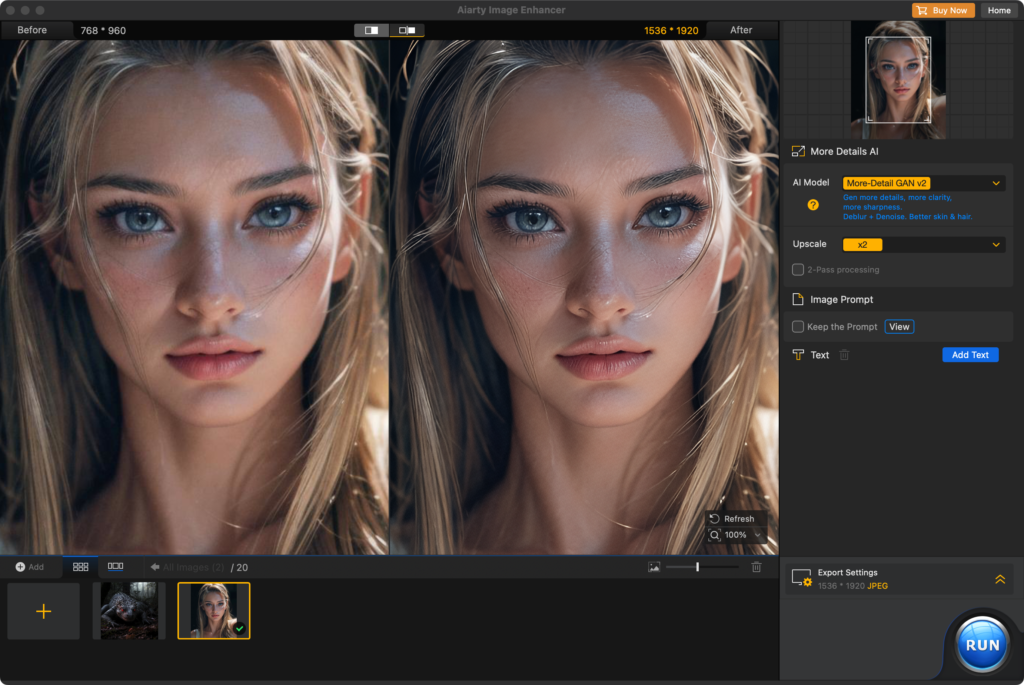
Features: Advanced noise reduction, sharpness enhancement, upscaling up to 800%, three AI models adapted to different image types.
Resolutions: Up to 8x support, with export in PNG, JPEG, and TIFF.
Pros: Intuitive interface, excellent on old photos and AI images, batch processing.
Cons: Free version limited in number of processes.
Pricing: Free version available, paid plans from $25.99/year.
Our verdict: The best choice for creators working with AI-generated images or photos requiring extensive restoration.
2. AVCLabs Photo Enhancer AI
AVCLabs Photo Enhancer AI offers automatic upscaling powered by deep learning models. The tool excels at enhancing portraits and landscape photos, with a simplified interface that suits beginners.
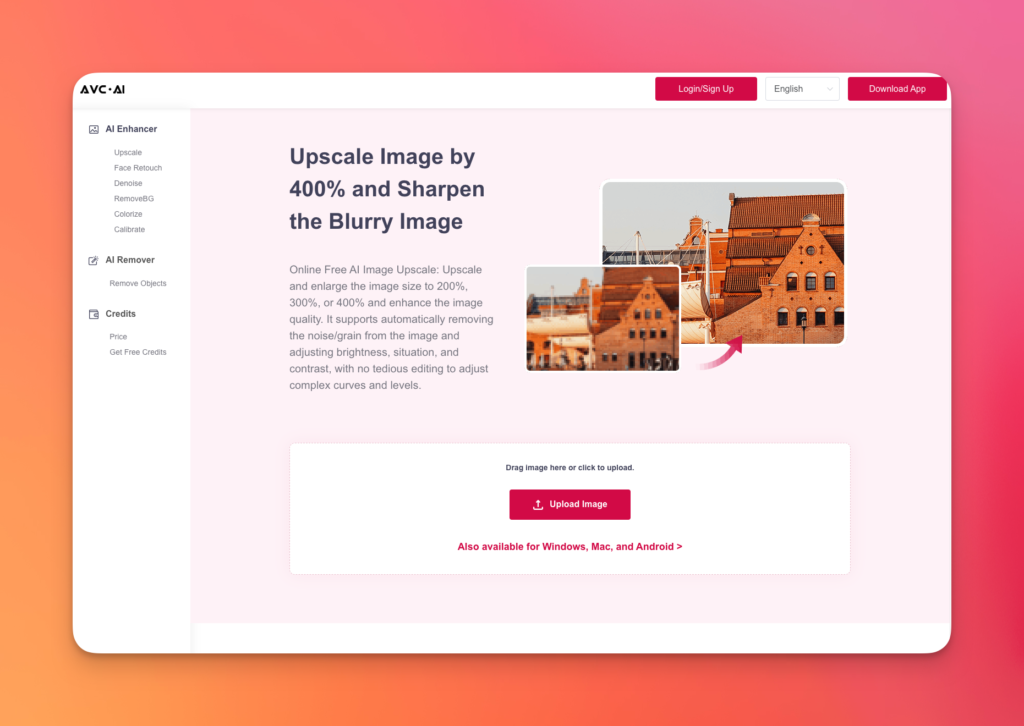
Features: Automatic AI upscaling, portrait enhancement, B&W photo colorization.
Resolutions: Up to 4x enlargement online, higher options via desktop software.
Pros: Very easy to use, good results on portraits.
Cons: Limited options in the free online version.
Pricing: Free online with watermark, paid desktop version.
Our verdict: Ideal for users seeking simplicity without sacrificing quality.
3. Icons8 Smart Upscaler
Icons8 Smart Upscaler uses neural networks to enlarge images up to 4x while preserving details. The tool performs particularly well on illustrations, icons, and product images.

Features: Upscaling up to 4x, automatic processing, API available.
Resolutions: 5 megapixel limit for the free version.
Pros: Excellent on illustrations and vector-style images, fast.
Cons: Maximum resolution limited compared to other tools.
Pricing: 3 free images per month, Icons8 subscription for unlimited access.
Our verdict: The perfect choice for designers working with illustrations and icons.
4. Deep Image
Deep Image stands out for its versatility: upscaling, background removal, and automatic enhancement in one tool. The platform is particularly suited for e-commerce thanks to its product photo optimization features.
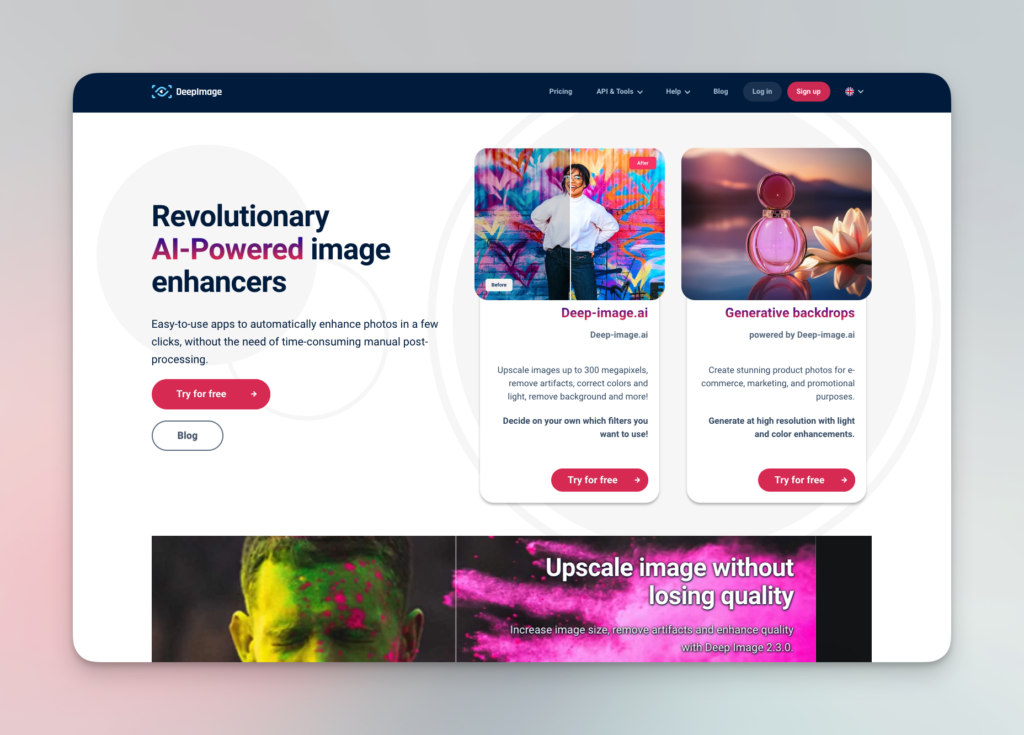
Features: AI upscaling, background removal, color enhancement, batch processing.
Resolutions: Up to 4x enlargement, 25 megapixel limit.
Pros: Comprehensive tool suite, suited for e-commerce and digital art.
Cons: Image size limit applies to all users.
Pricing: Free with paid version offering more options and credits.
Our verdict: Very useful for online stores and digital content creators.
5. Vance AI
Vance AI is a comprehensive image enhancement suite integrating upscaling, denoising, sharpening, and AI portrait retouching. In 2026, the platform offers even more powerful models for faces and complex textures.
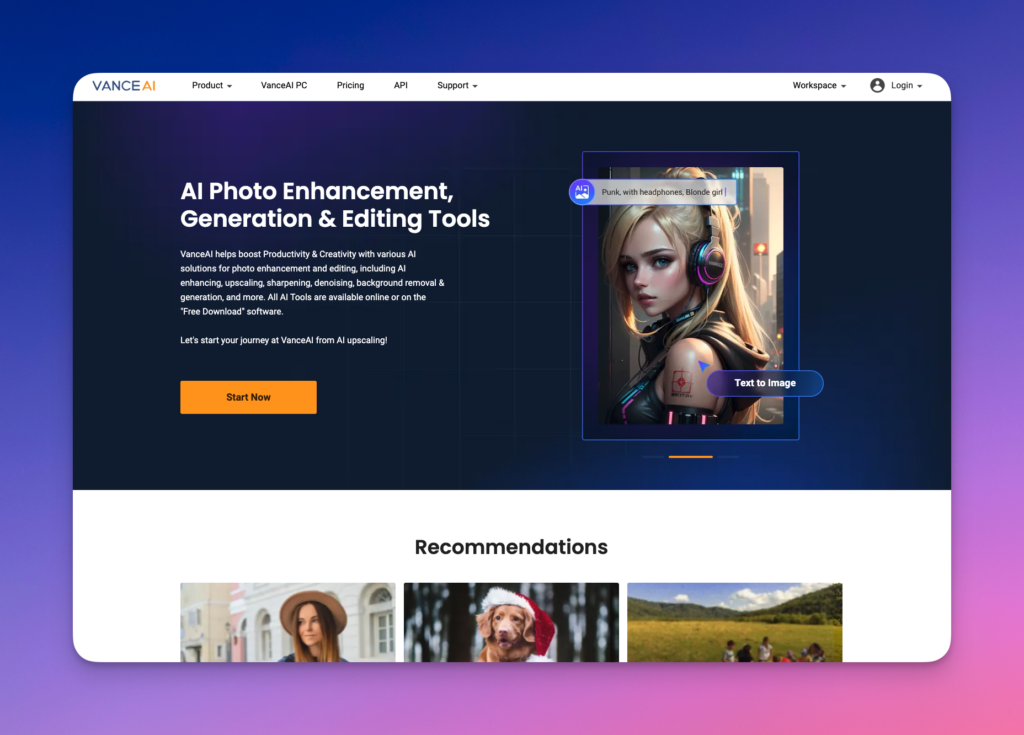
Features: Noise removal, sharpness enhancement, AI portrait retouching, upscaling up to 8x.
Pros: Wide range of specialized tools, high-performing automatic processing.
Cons: Complex interface for new users, limited credits in free version.
Pricing: 3 free credits, paid plans from $4.95/month.
Our verdict: Excellent option for editors seeking a complete AI image tool suite.
6. Let’s Enhance
Let’s Enhance is a cloud-based tool that improves image quality up to 16x their original resolution. The platform stands out in 2026 with its latest-generation super-resolution algorithms and integration with professional workflows.
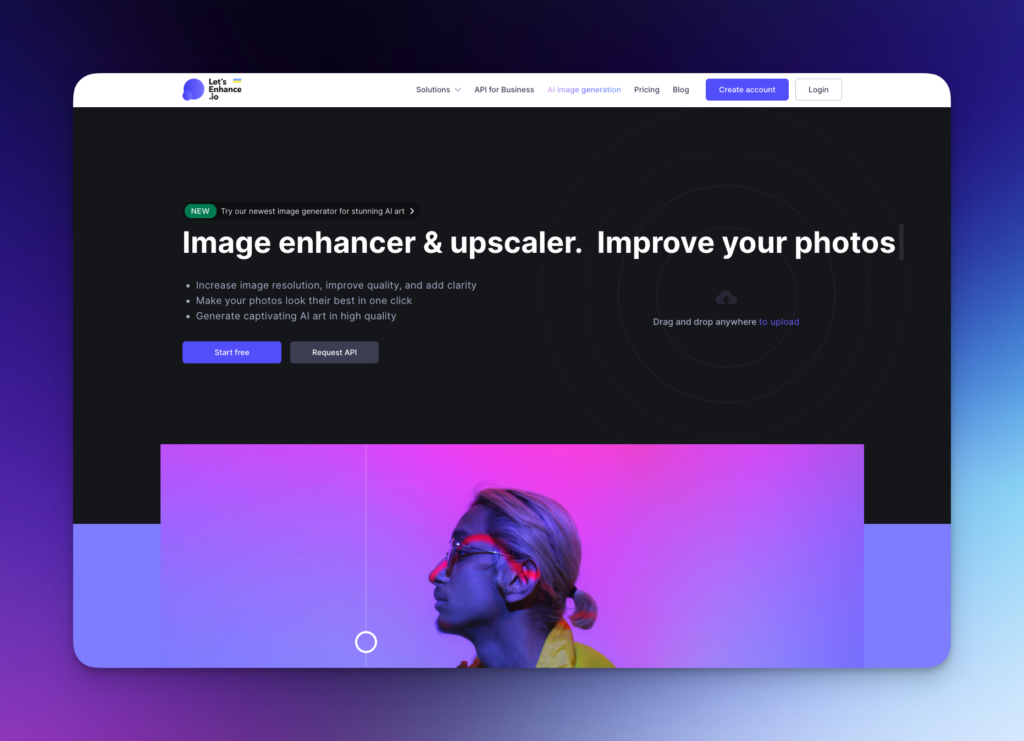
Features: Smart upscaling up to 16x, automatic color correction, API for integration.
Pros: Very high maximum resolution, fully cloud-based, ideal for large-format printing.
Cons: Limited number of processes in free version.
Pricing: 5 free images, subscription from $9/month.
Our verdict: The best choice for professional printing and extreme enlargements.
7. Fotor
Fotor combines a full photo editor with AI upscaling capabilities. The tool is valued for its versatility: retouching, collage, graphic design, and image enhancement all in one place.
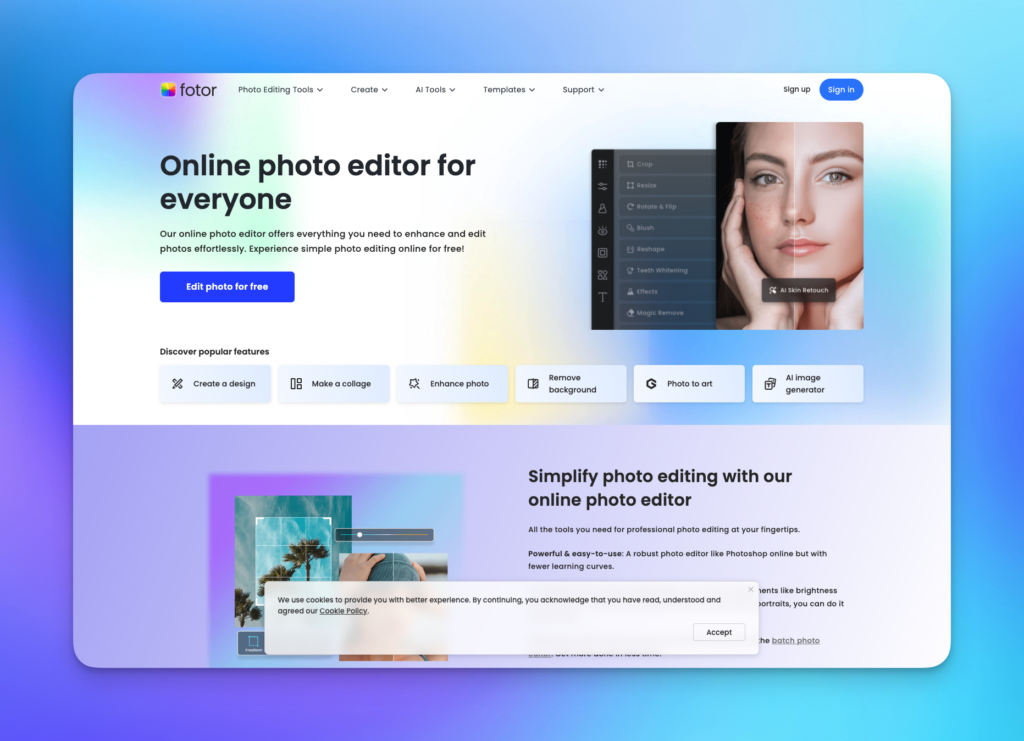
Features: AI upscaling, full photo editor, design creation, background removal.
Pros: All-in-one suite, user-friendly interface, many templates.
Cons: Upscaling limited to 2x in free version.
Pricing: Free with limited features, Fotor Pro from $3.33/month.
Our verdict: Perfect for creators who want a versatile tool combining editing and upscaling.
8. Media.io
Media.io offers a fast and efficient online AI upscaler, capable of enlarging images up to 8x. The platform is part of the Wondershare suite and offers complementary video and audio editing tools.
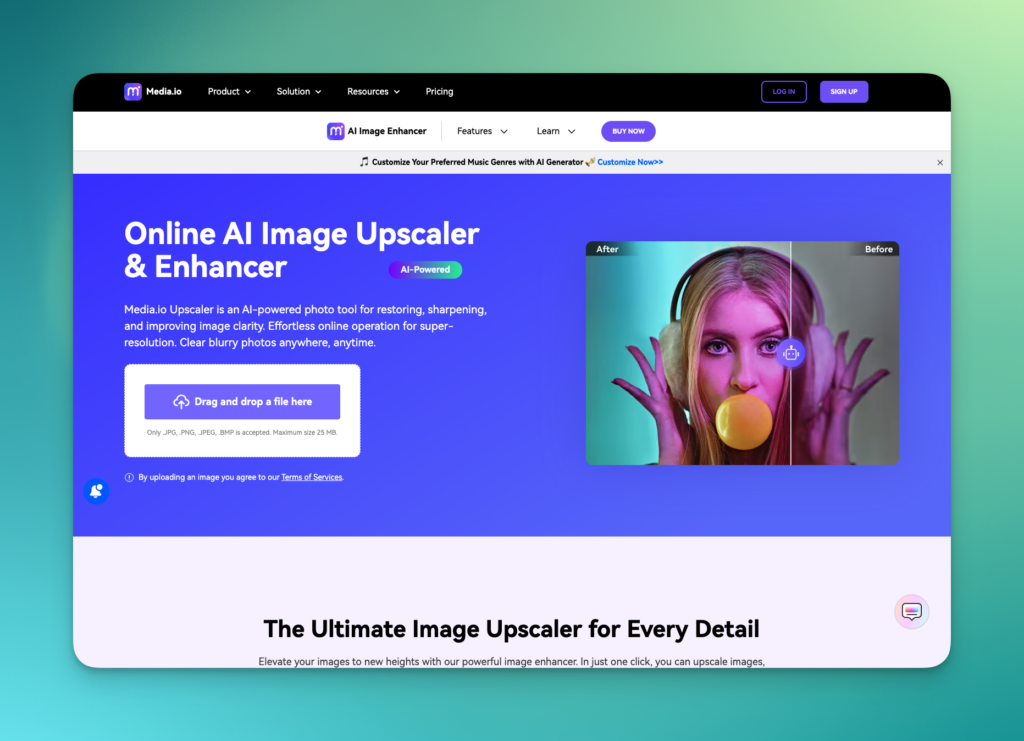
Features: Upscaling up to 8x, automatic enhancement, format conversion, Wondershare suite integration.
Pros: Fast, no registration required for trials, good quality.
Cons: Watermark in free version, advanced options are paid.
Pricing: Limited free trial, subscription from $5.99/month.
Our verdict: A good balance between speed and quality for occasional users.
9. Clipdrop Upscaler
Clipdrop Upscaler, developed by Stability AI, uses the same technologies as Stable Diffusion for upscaling. The tool is particularly effective on AI-generated images and digital illustrations.
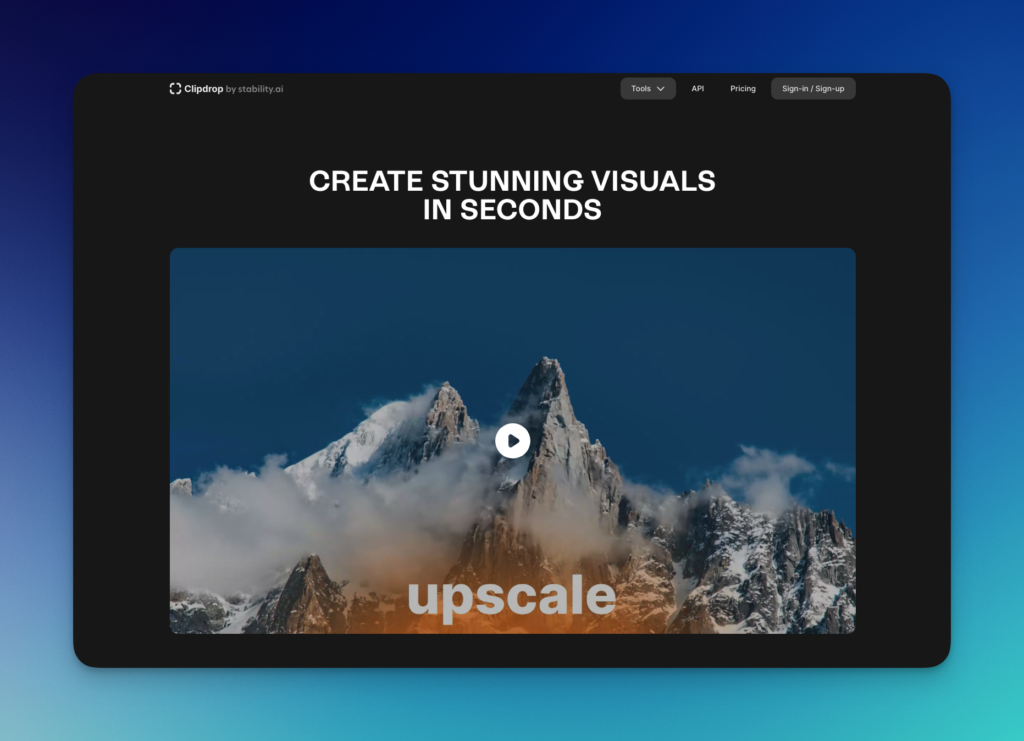
Features: Diffusion-based AI upscaling, background removal, image relighting.
Pros: Excellent on AI images, Stable Diffusion integration, very natural results.
Cons: Limited resolution in free version, longer processing time.
Pricing: Free version with limits, Clipdrop Pro at $9/month.
Our verdict: A must-have for creators using generative AI and Stable Diffusion.
10. Img2go
Img2go is a versatile online tool offering upscaling among a wide range of image processing functions. Simple and fast, it’s perfect for occasional needs.
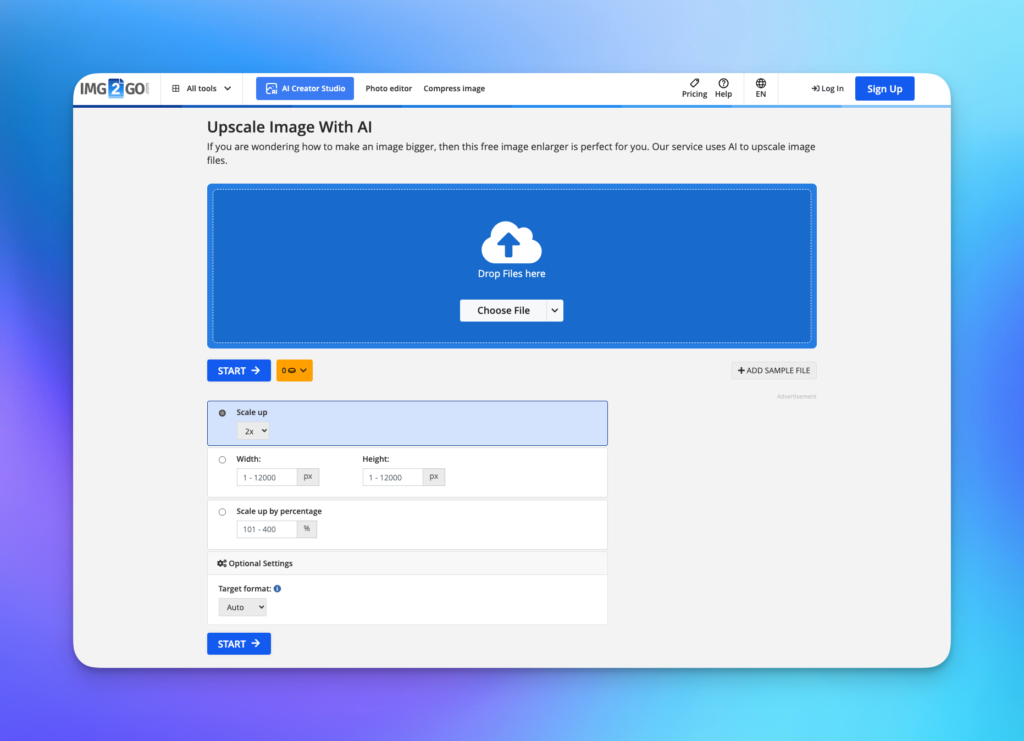
Features: AI upscaling, format conversion, compression, cropping, many processing tools.
Pros: Free without registration, simple interface, wide range of complementary tools.
Cons: Upscaling quality slightly lower than specialized tools.
Pricing: Free with ads, premium version available.
Our verdict: The Swiss Army knife of online image processing, ideal for varied and occasional needs.
Which Upscaling Tool Should You Choose in 2026?
The best tool choice depends on your specific needs. Aiarty Image Enhancer is our recommendation for photo restoration and AI images. Let’s Enhance excels for extreme enlargements intended for printing. Clipdrop is the ideal choice for creators working with generative AI. For occasional free use, Img2go and Icons8 offer an excellent quality-to-accessibility ratio.
In 2026, AI upscaling technology continues to evolve rapidly. Diffusion models and transformer architectures deliver increasingly natural results, even at high enlargement factors. Whatever your choice, these free tools democratize access to professional image enhancement and serve as valuable allies for any visual content creator.
FAQ
Can AI upscaling replace a high-resolution photo?
No, AI upscaling enhances existing images but cannot match the quality of a photo taken natively at high resolution. It’s ideal for optimizing existing images when a new shoot isn’t possible.
What is the best enlargement factor?
For optimal results, a 2x to 4x factor offers the best balance between resolution gain and quality. Beyond 4x, results vary depending on the tool and source image quality.
Do these tools work with AI-generated images?
Yes, most of these tools are compatible with AI-generated images. Aiarty Image Enhancer and Clipdrop perform particularly well on this type of image thanks to models specifically trained for synthetic visuals.
Related Articles

Agentik vs Monid: comparing AI agent tools
Connecting an AI agent to the real web quickly becomes like juggling a bunch of keys. A web search here, a scraping tool there, a contact enrichment service, an image…
What is Jev? The AI model that doesn’t generate text
Jev IA, lancé par TypeSafe le 15 septembre 2026, classe et note au lieu d’écrire. Fonctionnement, prix, limites et ce que cela change pour votre logiciel.